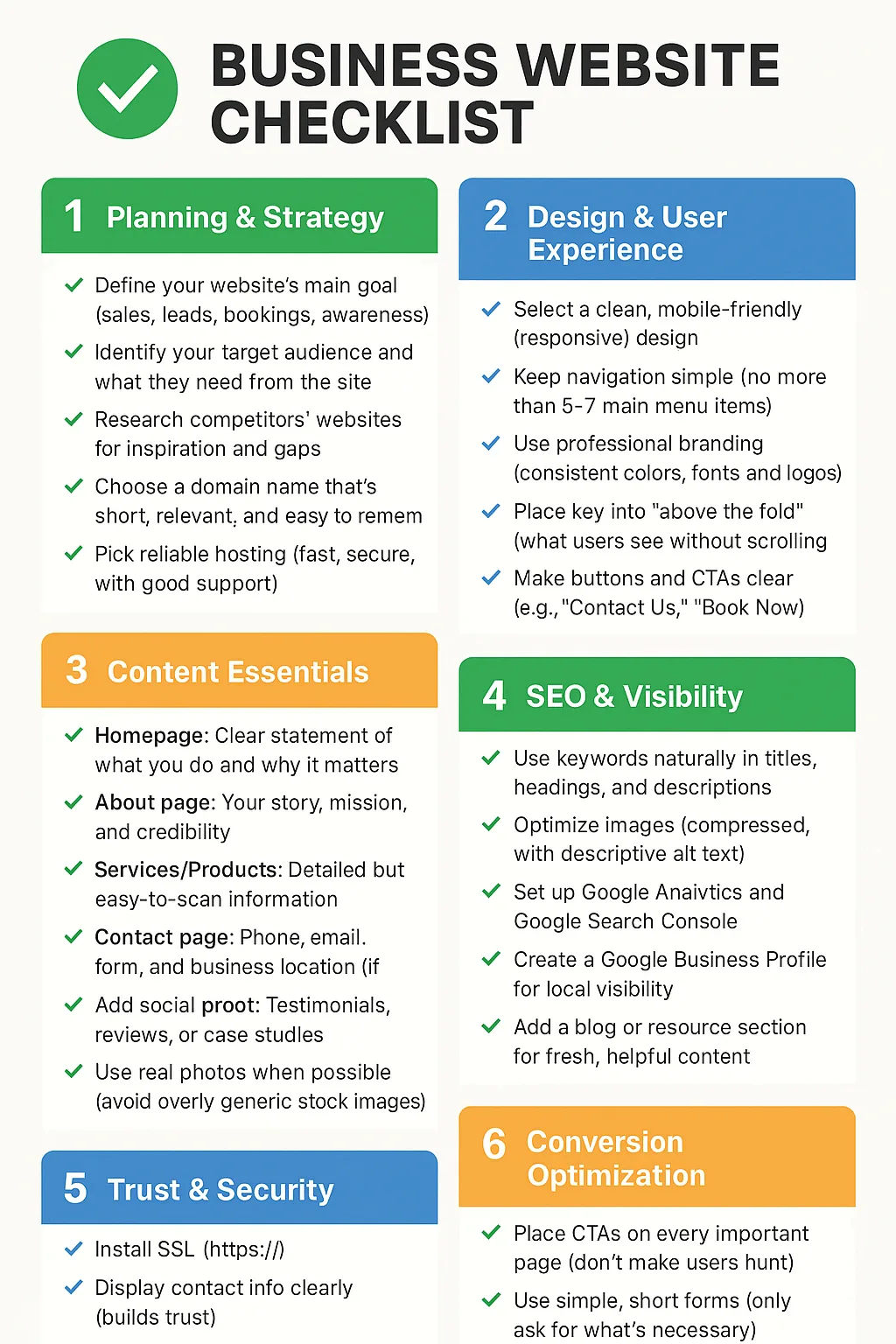
Here’s a step-by-step checklist for building a business website the right way, covering everything from planning to launch and ongoing maintenance:

Business Website Checklist
1. Planning & Strategy
- Define your website’s main goal (sales, leads, bookings, awareness).
- Identify your target audience and what they need from the site.
- Research competitors’ websites for inspiration and gaps.
- Choose a domain name that’s short, relevant, and easy to remember.
- Pick reliable hosting (fast, secure, with good support).
2. Design & User Experience
- Select a clean, mobile-friendly (responsive) design.
- Keep navigation simple (no more than 5–7 main menu items).
- Use professional branding (consistent colors, fonts, and logos).
- Place key info “above the fold” (what users see without scrolling).
- Make buttons and CTAs clear (e.g., “Contact Us”, “Book Now”).
3. Content Essentials
- Homepage: Clear statement of what you do and why it matters.
- About page: Your story, mission, and credibility.
- Services/Products: Detailed but easy-to-scan information.
- Contact page: Phone, email, form, and business location (if relevant).
- Add social proof: Testimonials, reviews, or case studies.
- Use real photos when possible (avoid overly generic stock images).
4. SEO & Visibility
- Use keywords naturally in titles, headings, and descriptions.
- Optimize images (compressed, with descriptive alt text).
- Set up Google Analytics and Google Search Console.
- Create a Google Business Profile for local visibility.
- Add a blog or resource section for fresh, helpful content.
5. Trust & Security
- Install SSL (https://).
- Display contact info clearly (builds trust).
- Add privacy policy & terms of service if collecting data.
- Highlight certifications, awards, or partnerships if relevant.
6. Conversion Optimization
- Place CTAs on every important page (don’t make users hunt).
- Use simple, short forms (only ask for what’s necessary).
- Offer a lead magnet (e.g., discount, free guide, newsletter).
- Make checkout or booking process smooth and intuitive.
7. Launch & Ongoing Maintenance
- Test across devices (mobile, tablet, desktop).
- Check for broken links and typos before going live.
- Backup your website regularly.
- Update CMS, plugins, and security patches often.
- Monitor performance with analytics and make improvements.
👉 Following this checklist will ensure your website not only looks professional but also works as a business tool—attracting visitors, building trust, and converting them into customers.